-
Open the Admin hub
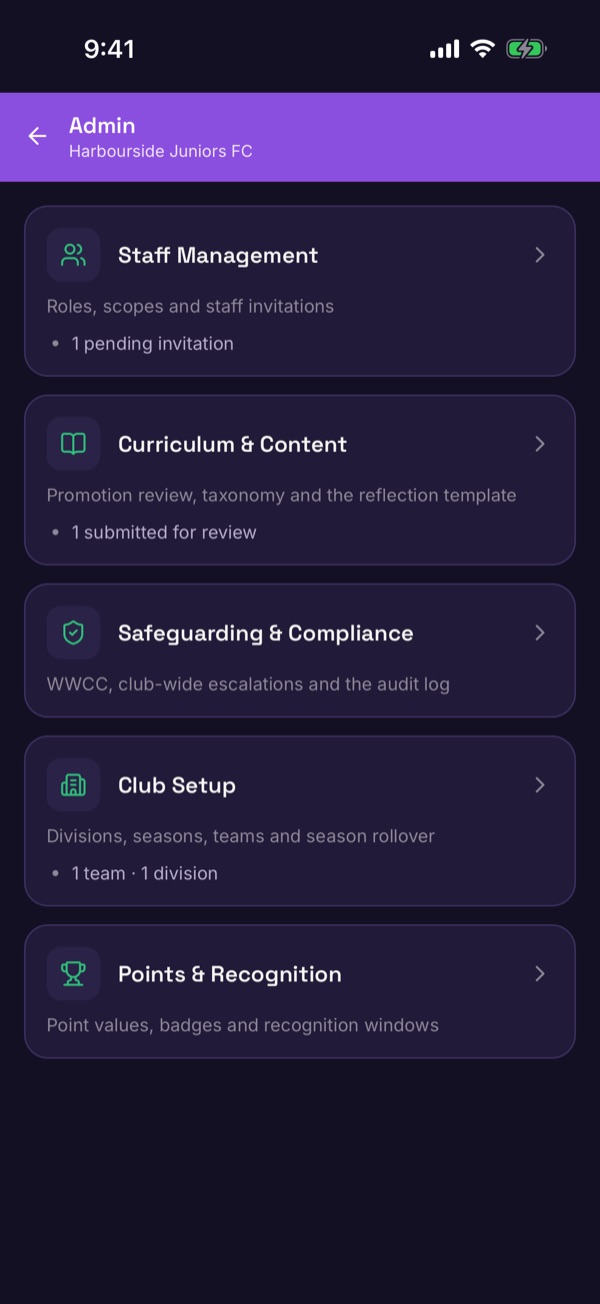
If you have admin access, tap the shield icon at the top of Home. The Admin hub has Staff Management, Curriculum & Content, Safeguarding & Compliance, Club Setup and Points & Recognition.
-
Open Club Setup
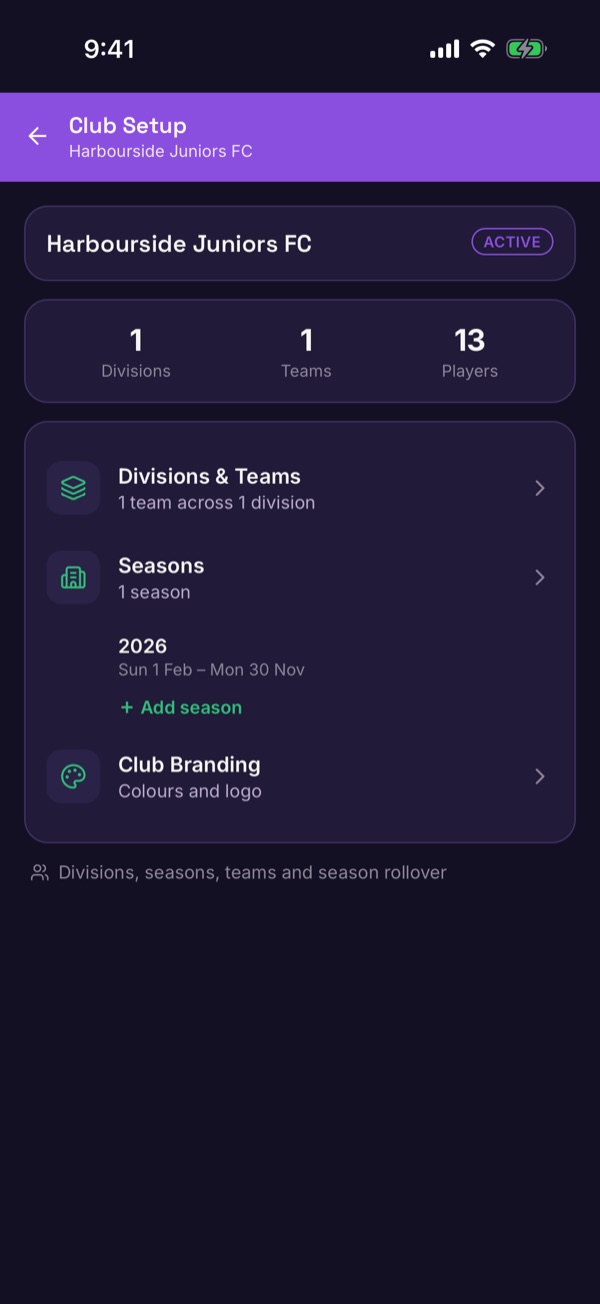
Tap Club Setup. It shows how many divisions, teams and players you have, with Divisions & Teams, Seasons and Club Branding underneath.
-
Add a division
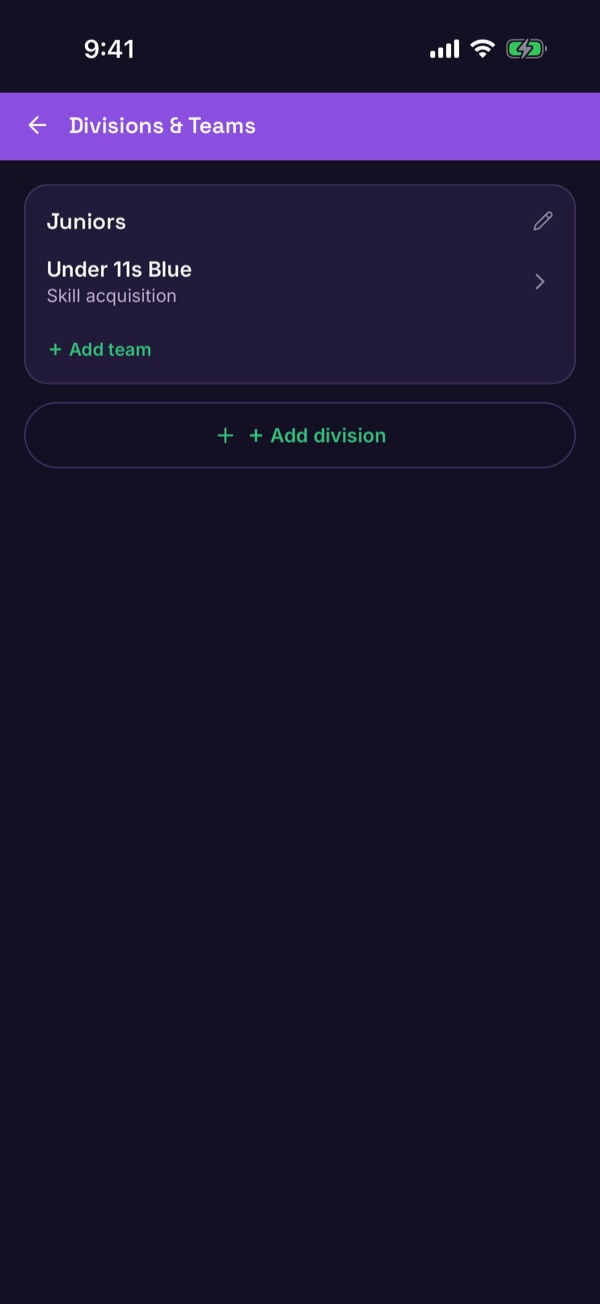
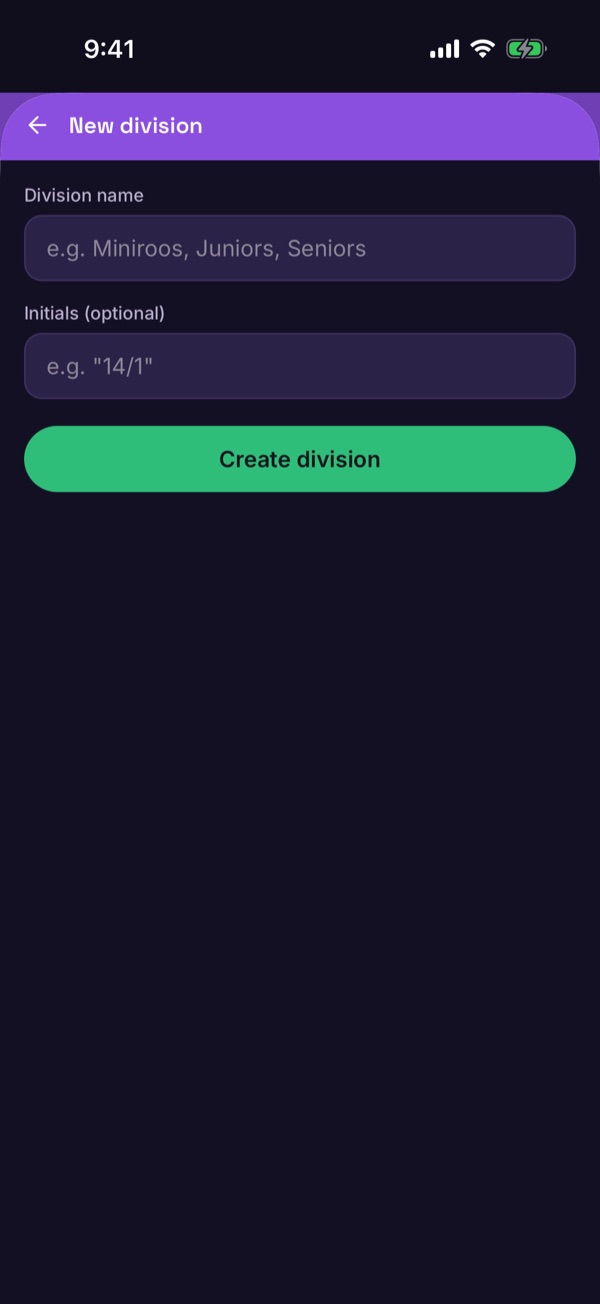
Tap Divisions & Teams, then Add division. Name it — for example Miniroos or Juniors — and tap Create division.
-
Add a team
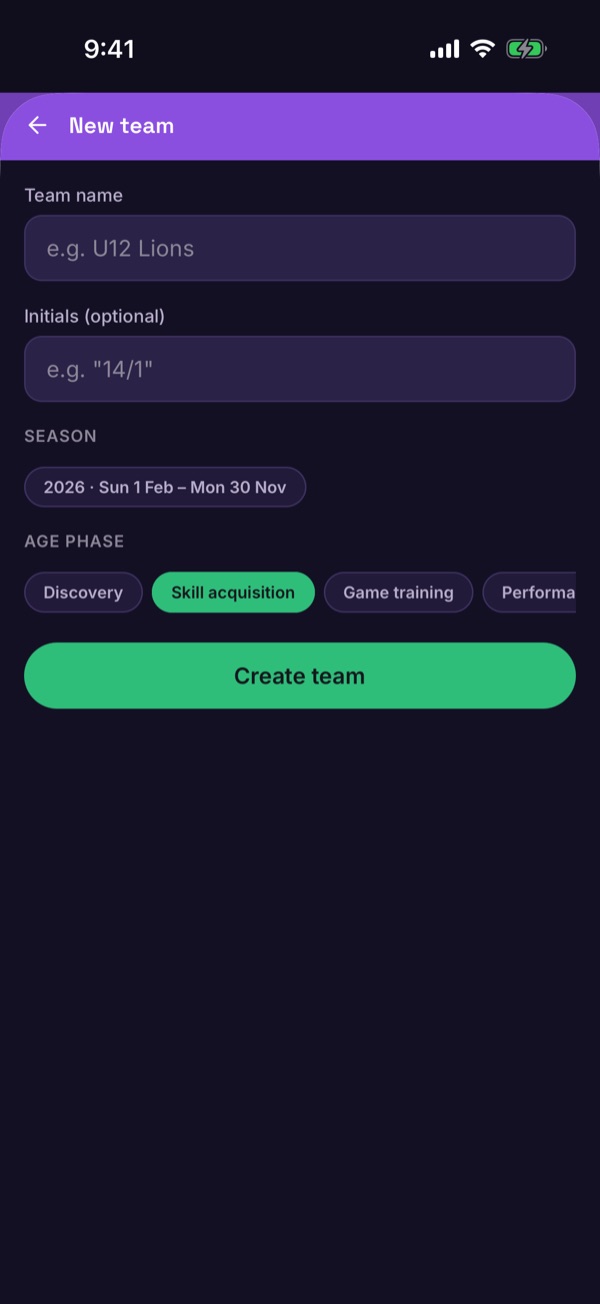
Under the division, tap Add team. Name the team, choose the season and its Age phase, then tap Create team.
-
Assign a Safeguarding Officer first
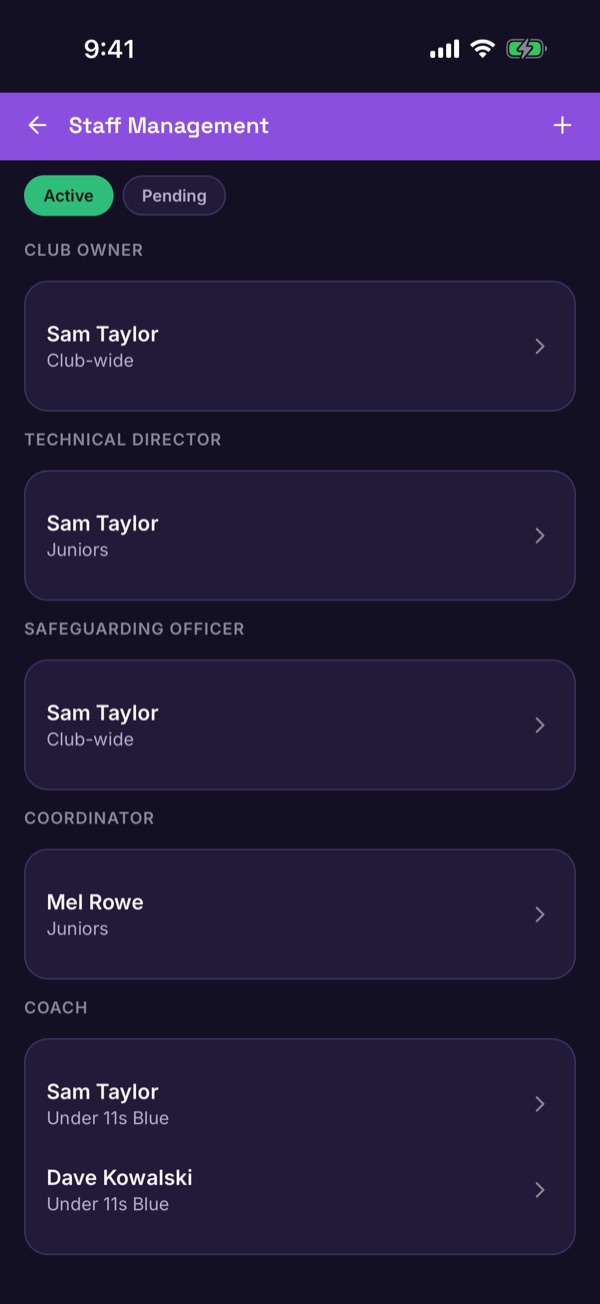
Before you invite other staff, make sure your club has a Safeguarding Officer. Open Staff Management, tap +, and invite them with the Safeguarding Officer role.
-
Invite your coaches and staff
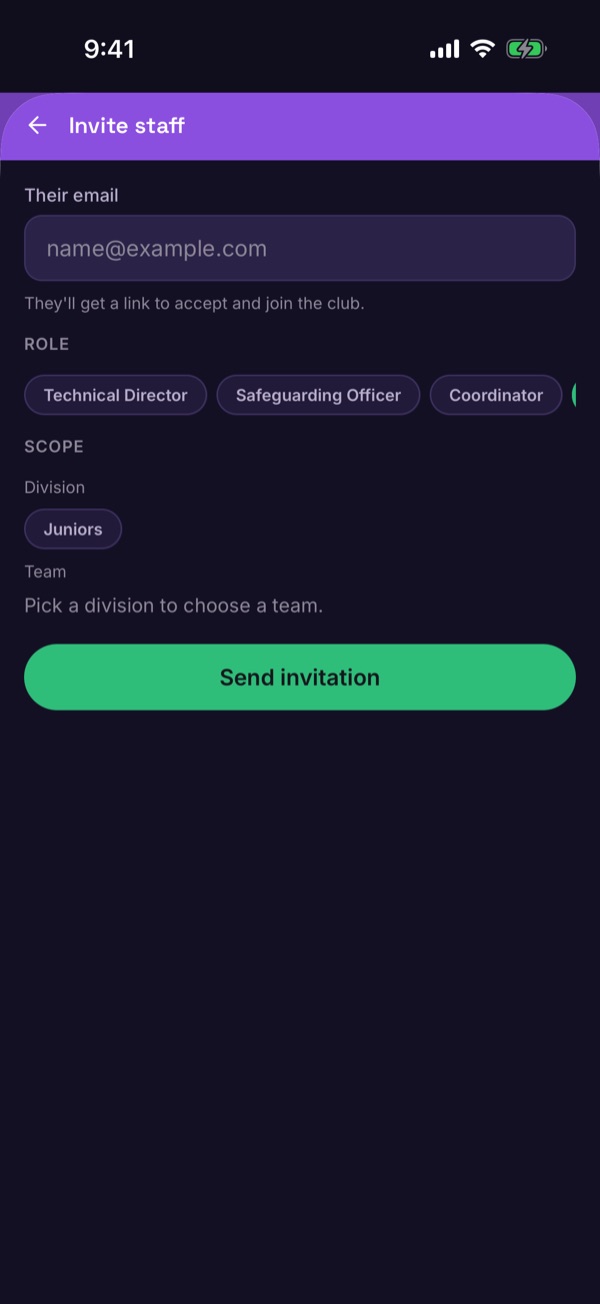
Tap + again. Enter their email, choose a Role and a Scope (a division or a team), then tap Send invitation. They get a link to accept and join the club. Invites you've sent wait on the Pending tab.