-
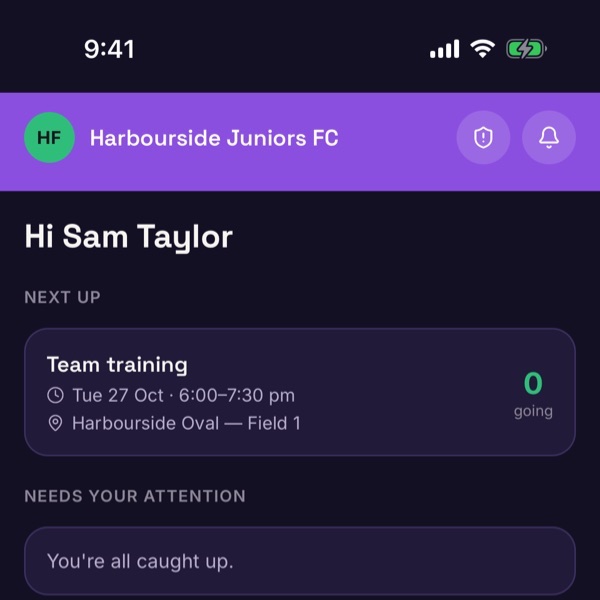
Start on Home
Home shows what's next on the calendar, how many players are going, and anything that needs your attention. The icon at the top right opens your Profile.
-
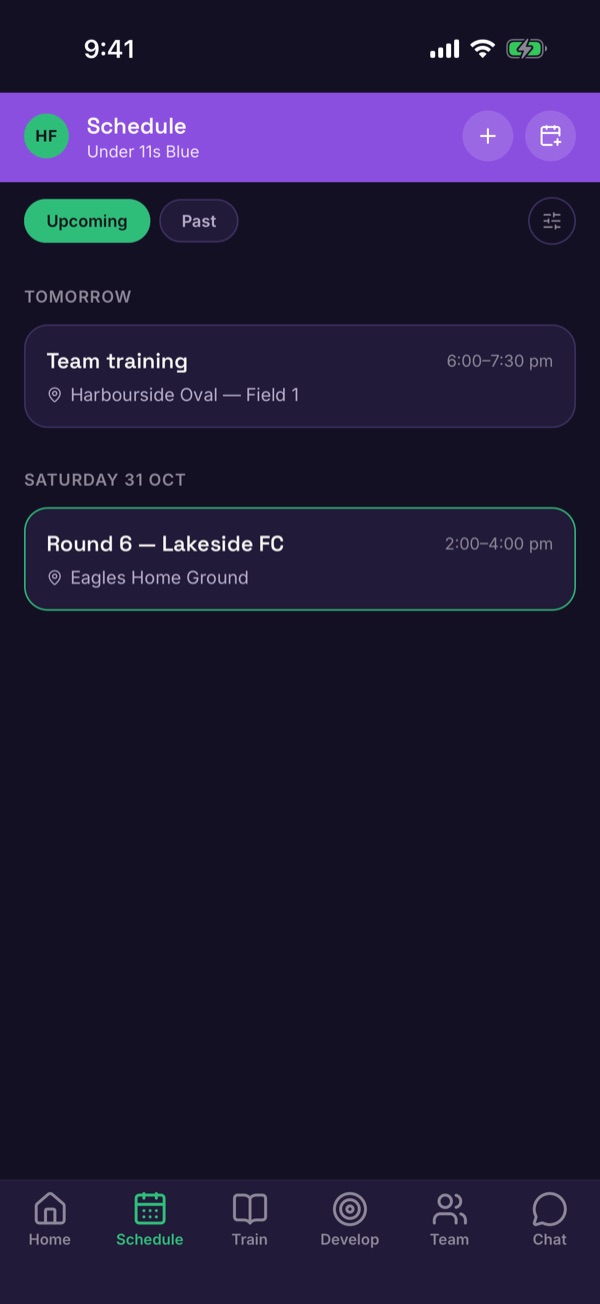
Schedule: training and games
Schedule lists upcoming and past events. Tap + to add one.
-
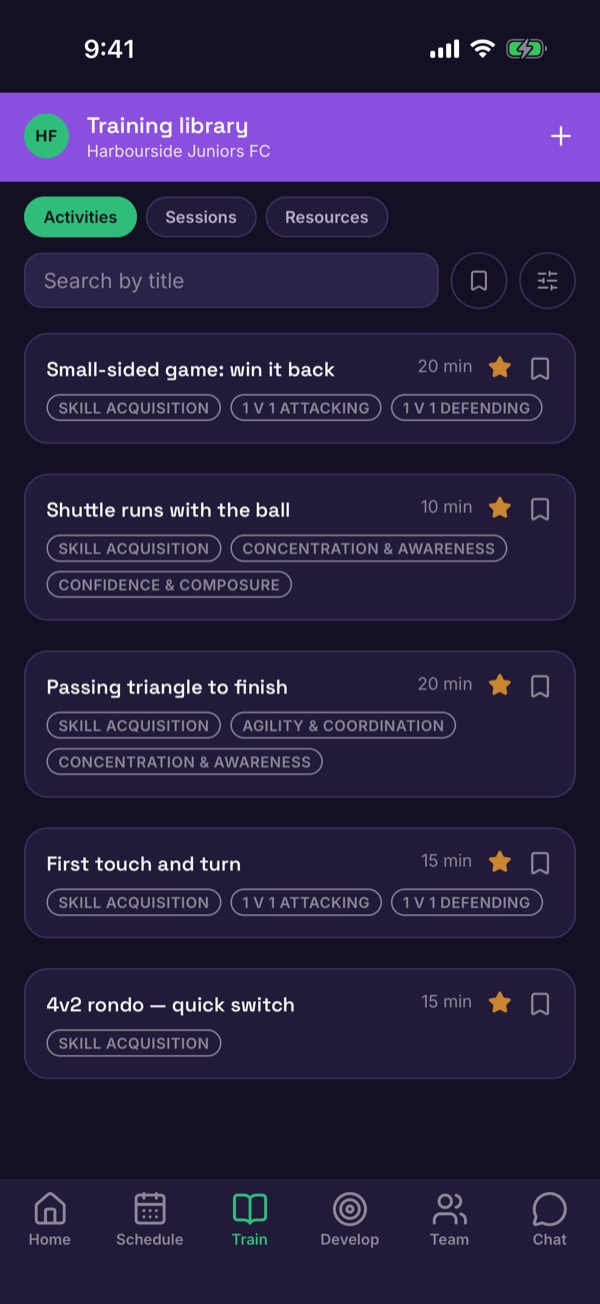
Train: your activity library
Train is the training library, with Activities, Sessions and Resources. Tap + to build a new activity.
-
Develop: each player's goals
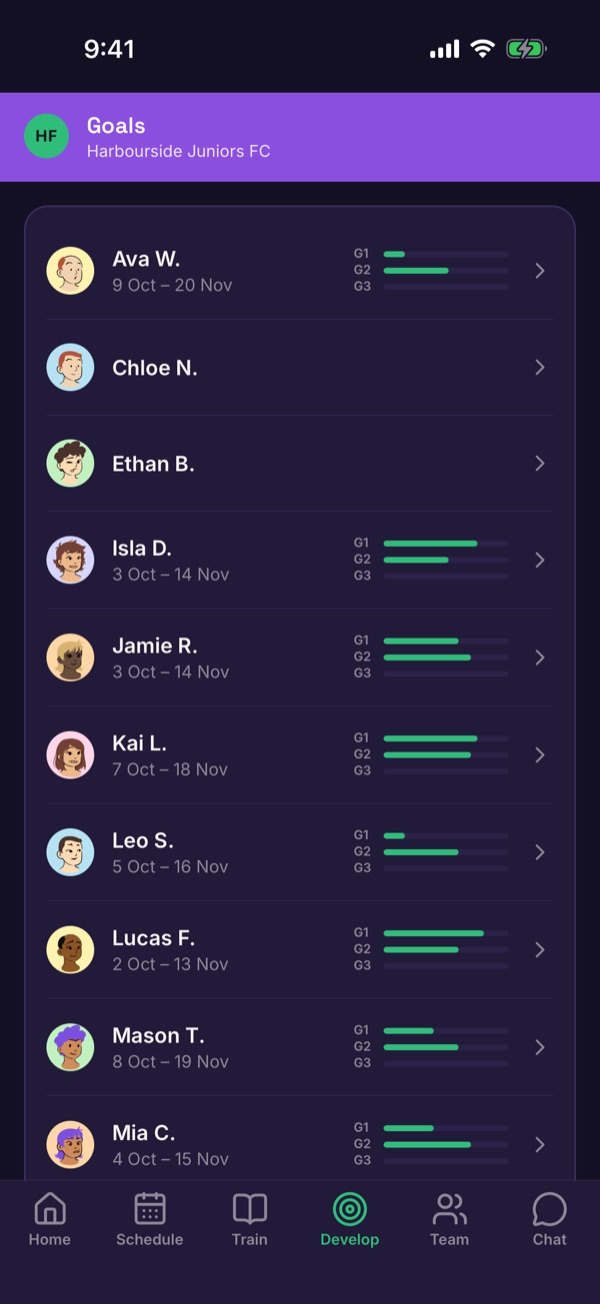
Develop lists every player and how far along their goals are. Tap a player to open their plan.
-
Team: points and roster
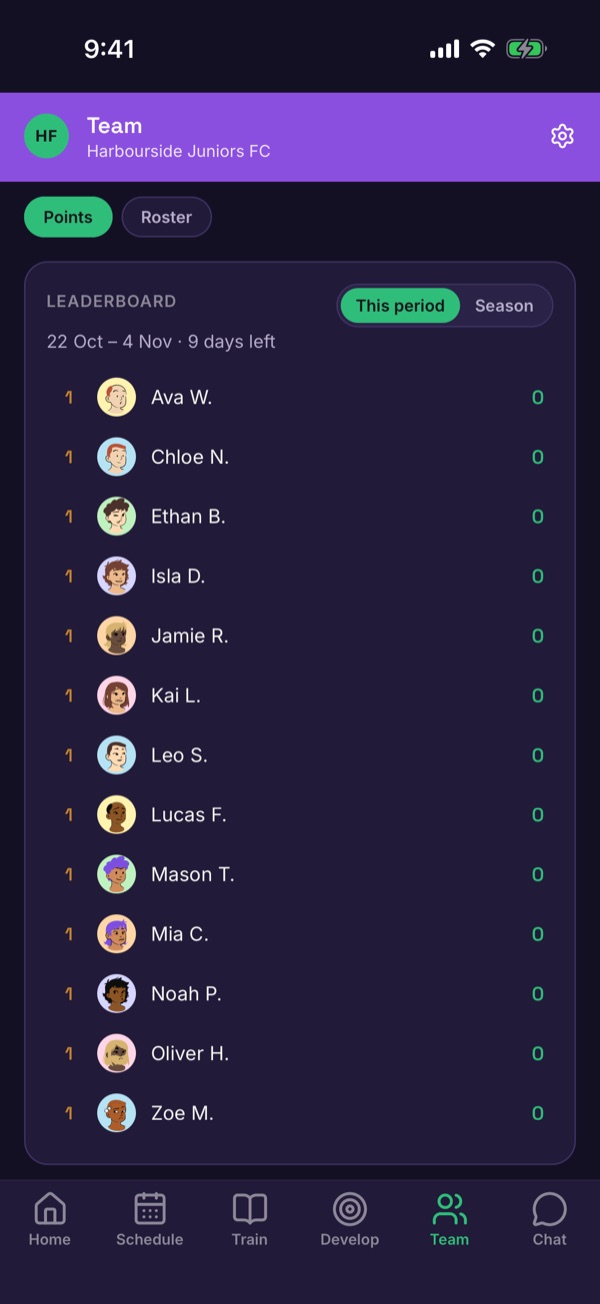
Team has the points leaderboard and the roster.
-
Chat: families and the team
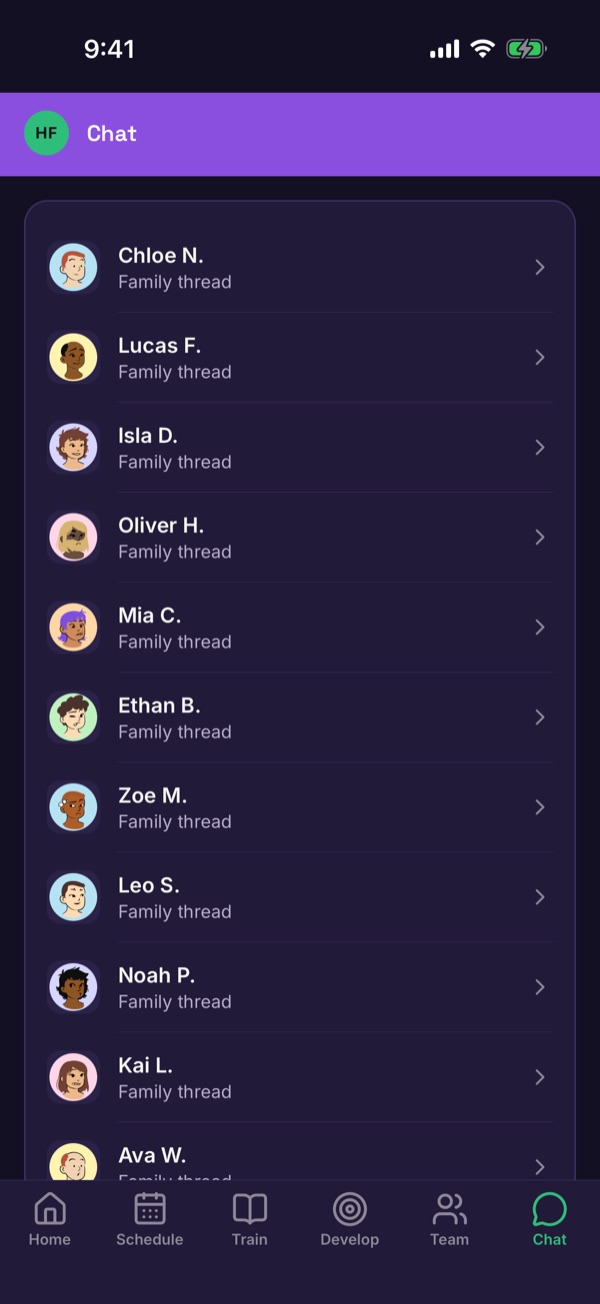
Chat has a thread for each family, plus team conversations.
-
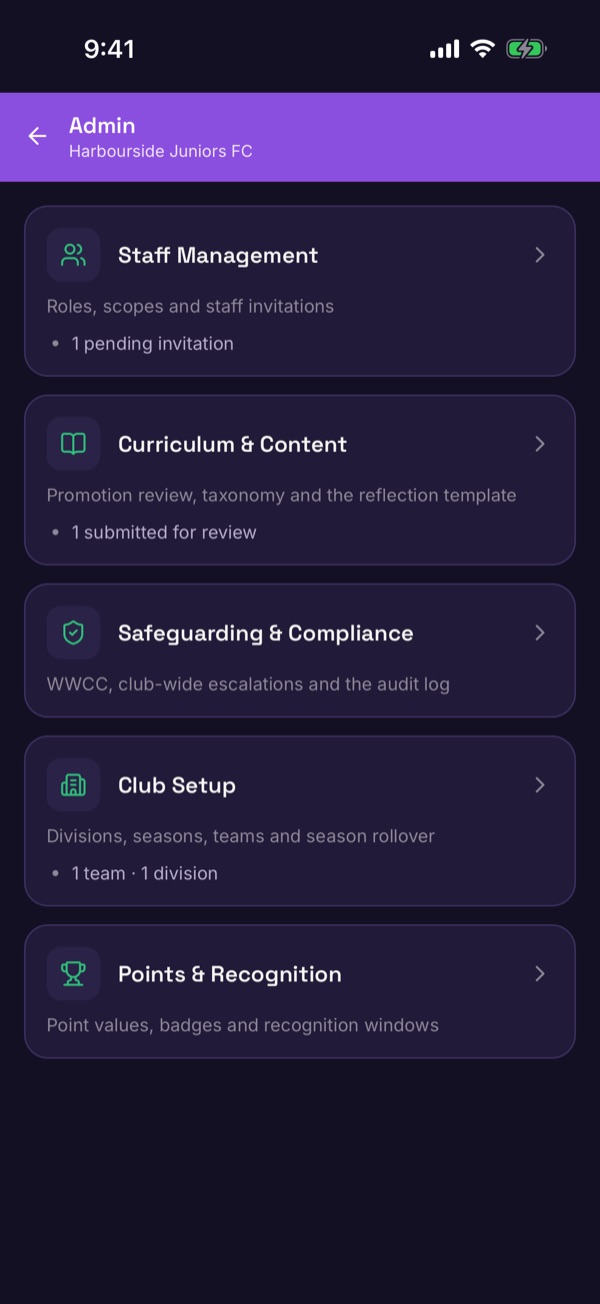
Club admins: the Admin hub
If you have admin access, a shield icon appears at the top of Home. It opens the Admin hub: staff, curriculum and content, safeguarding and compliance, club setup, and points and recognition.