-
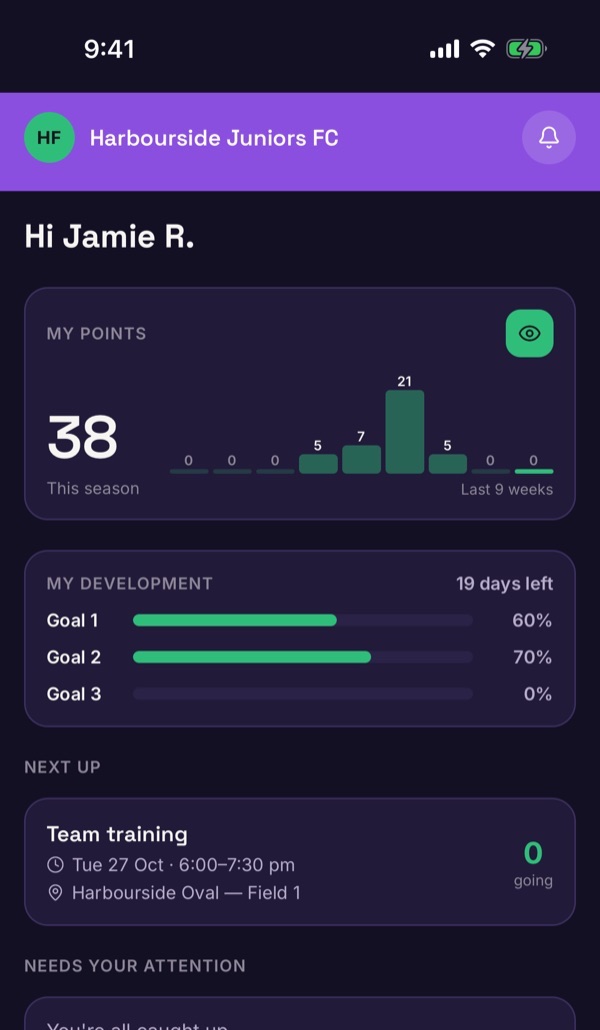
Start on Home
Home shows points, development progress, what's next on the calendar and anything that needs your attention. The icon at the top right opens your Profile.
-
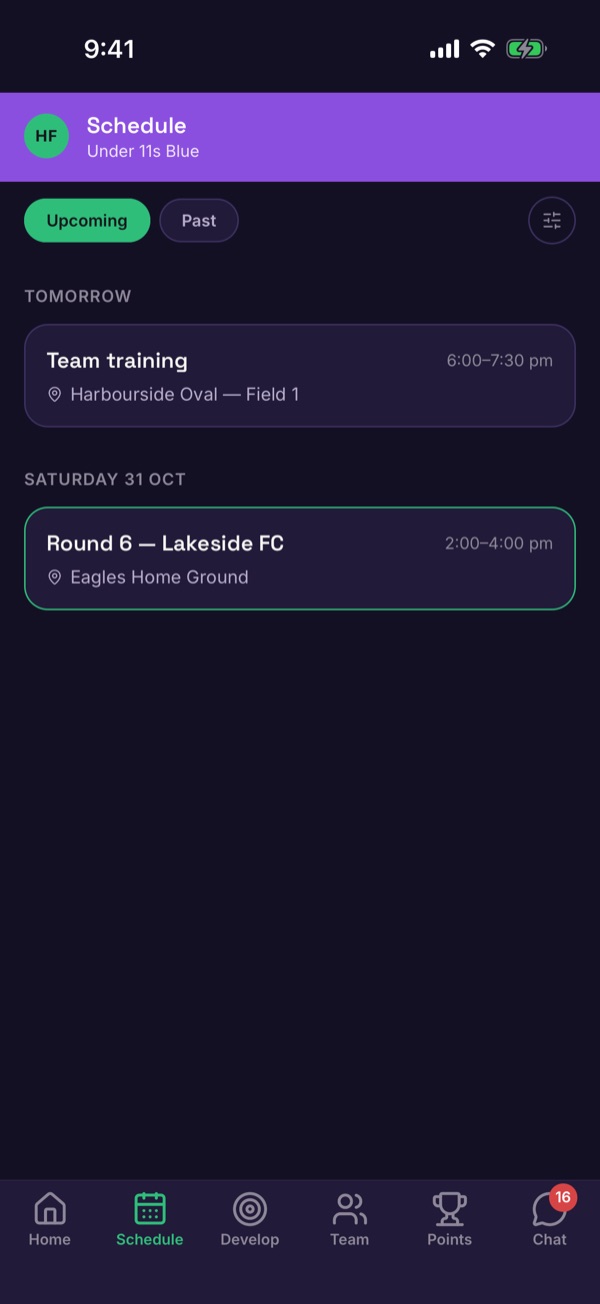
Schedule: what's on
The Schedule tab lists training and games. Upcoming shows what's next; Past shows what's finished. Tap an event to RSVP or read the match report. How to RSVP.
-
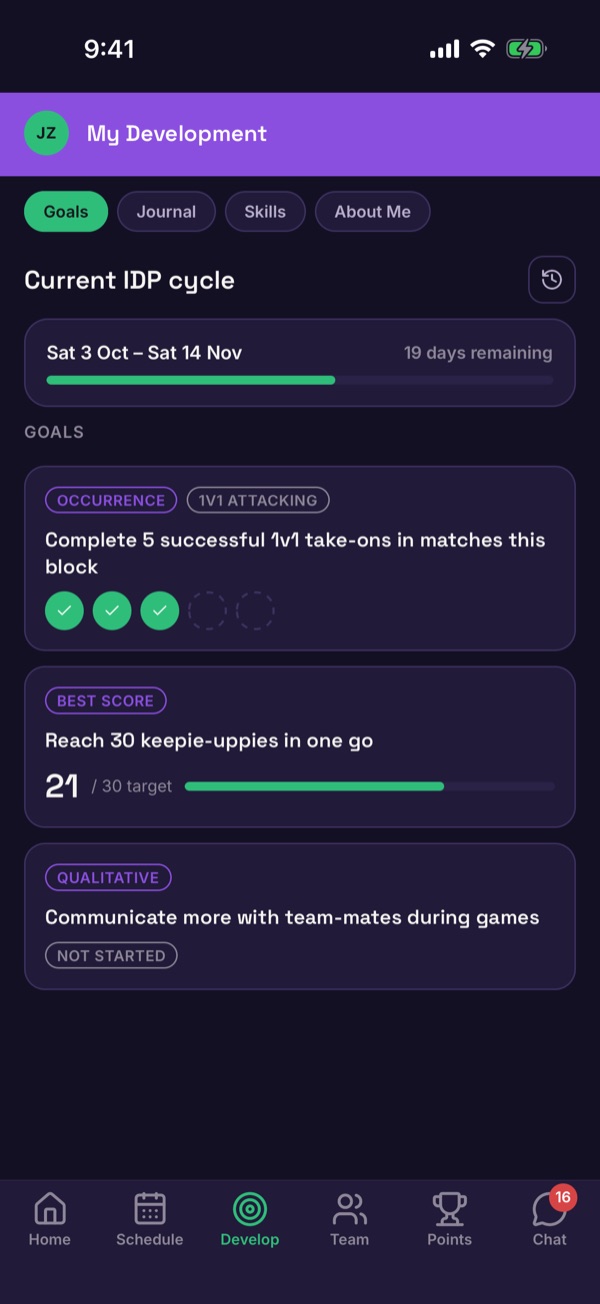
Develop: goals and journal
Develop holds the player's goals, journal, skills and About Me. How to log progress.
-
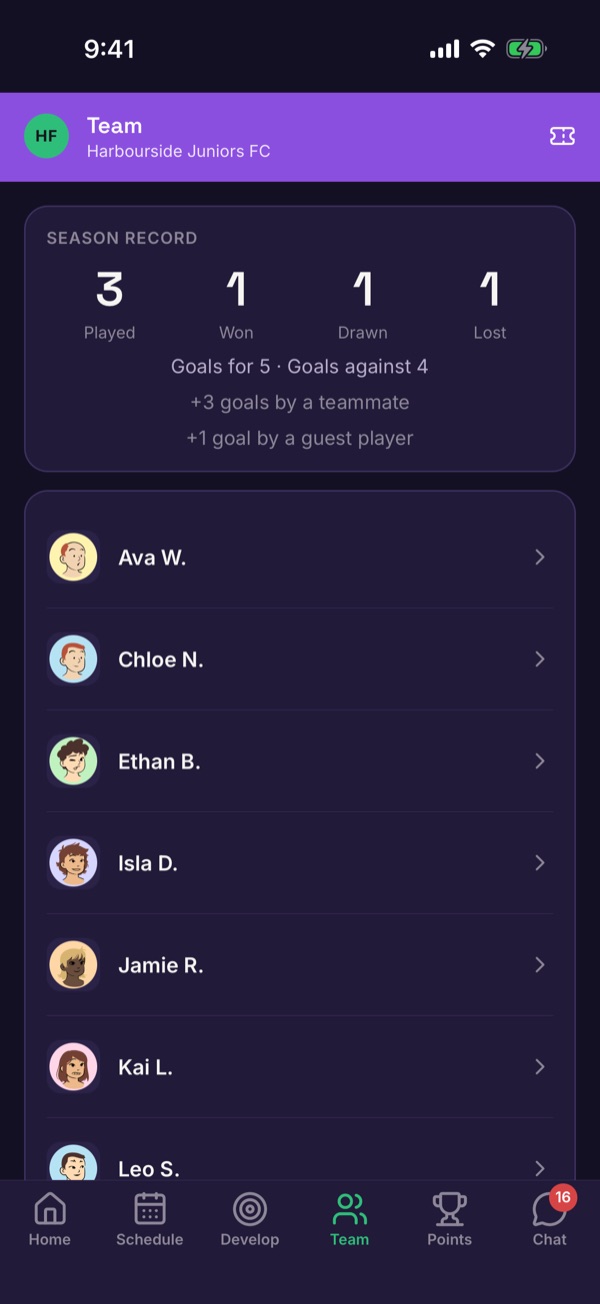
Team: the season so far
Team shows the team's record and everyone in the squad.
-
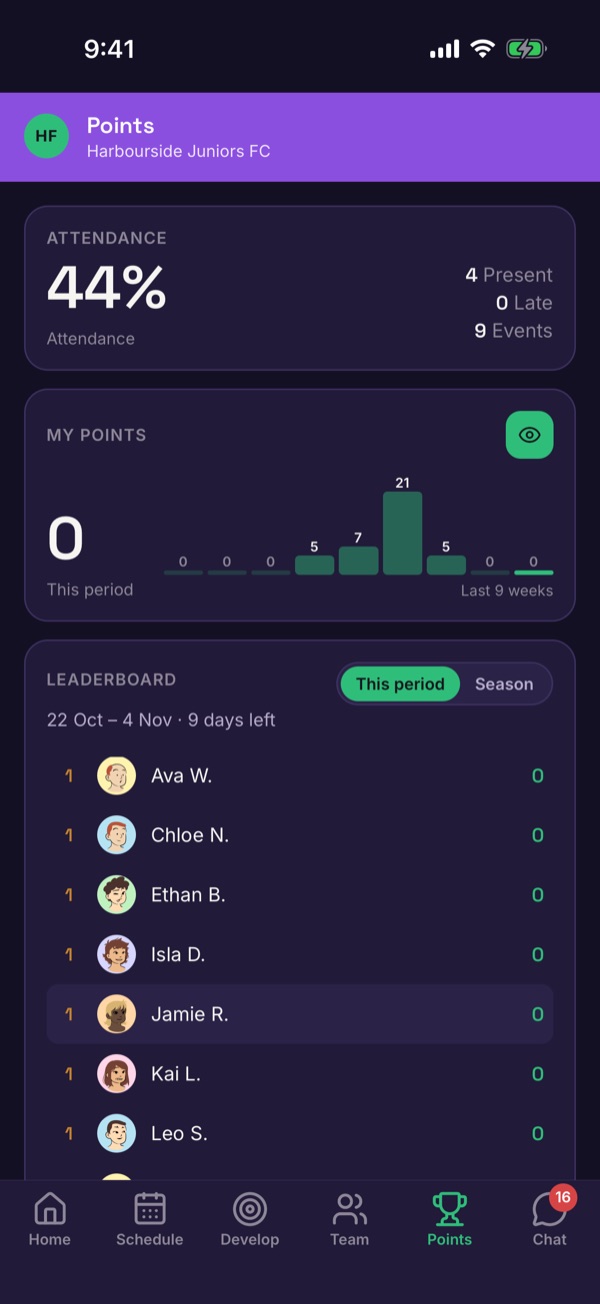
Points: effort that counts
Points shows attendance, your points and the team leaderboard for the current period.
-
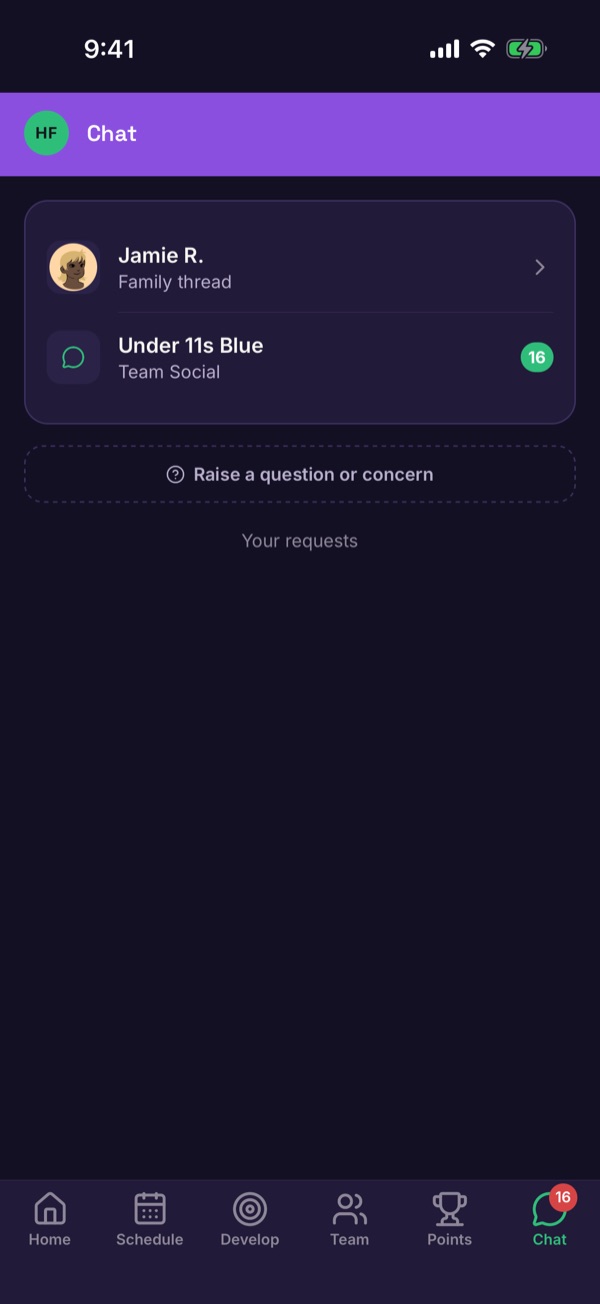
Chat: stay in touch
Chat has the family thread with your coach and the team conversation.